
Your entire inventory. Under control.
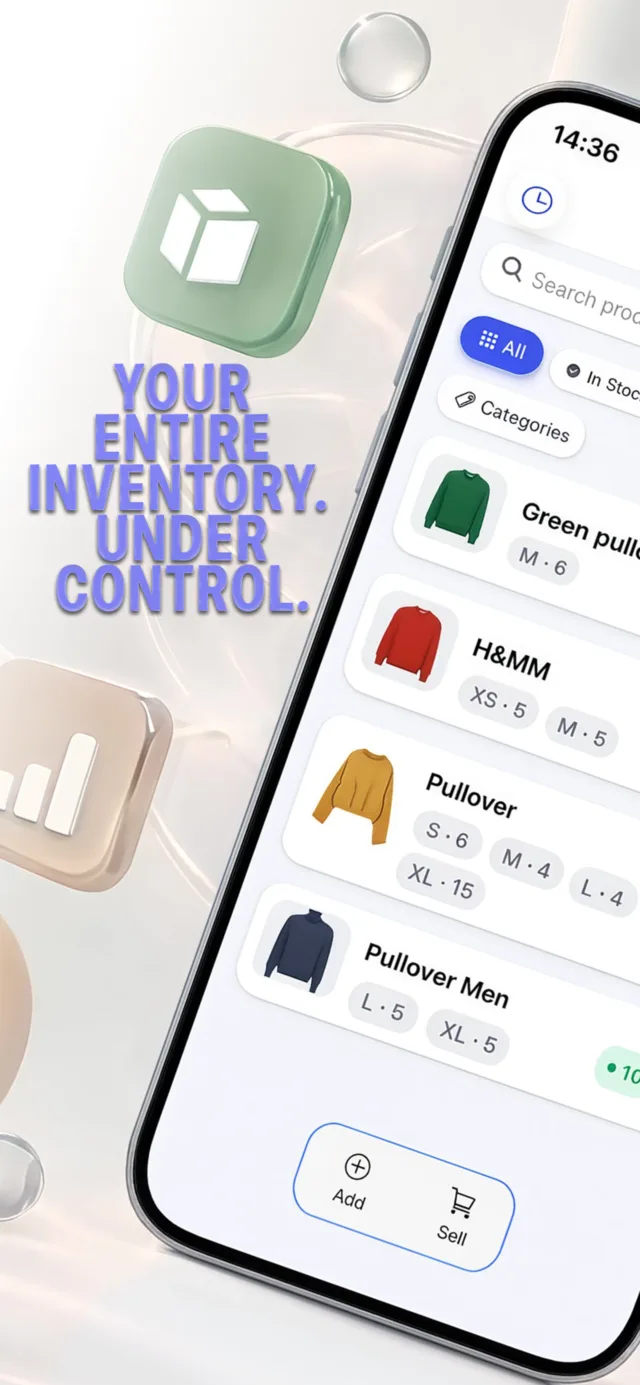
Inventory & Stock Manager is a simple, offline stock tracker for iPhone and iPad. Add products, count stock by size, record sales and see what is running low — without an account or an internet connection.
Free to download. Works offline. Your data stays on your device.
Everything you need to track stock
Built for small shops, market sellers, online resellers and anyone who keeps stock and wants a quick, clear view of it.
Products with photos
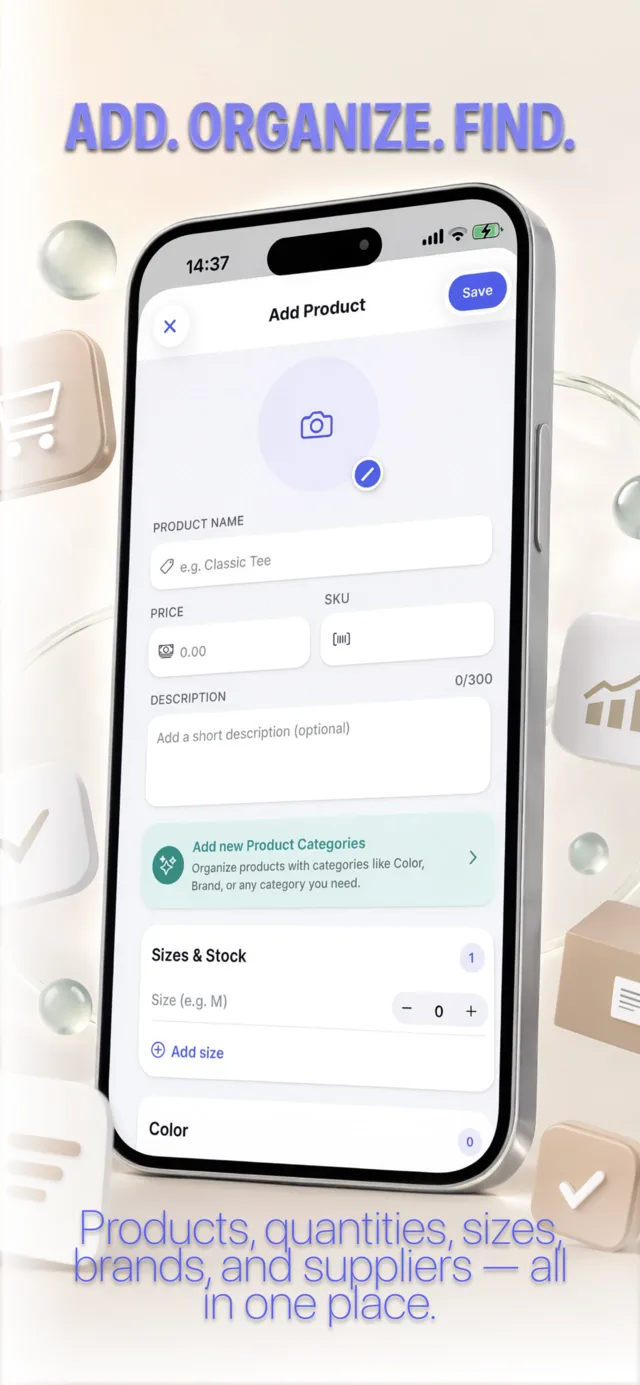
Add a name, photo, price, SKU and description for every product, so you can recognise items at a glance.
Stock by size
Give each product as many sizes as it needs and set the quantity for each one with simple +/– steppers.
Your own categories
Create lists such as Color, Brand or Provider and attach them to products to keep a large catalog organised.
Search and stock filters
Find any product instantly and filter by All, In Stock, Low Stock or Out of Stock to see what needs restocking.
Record sales in seconds
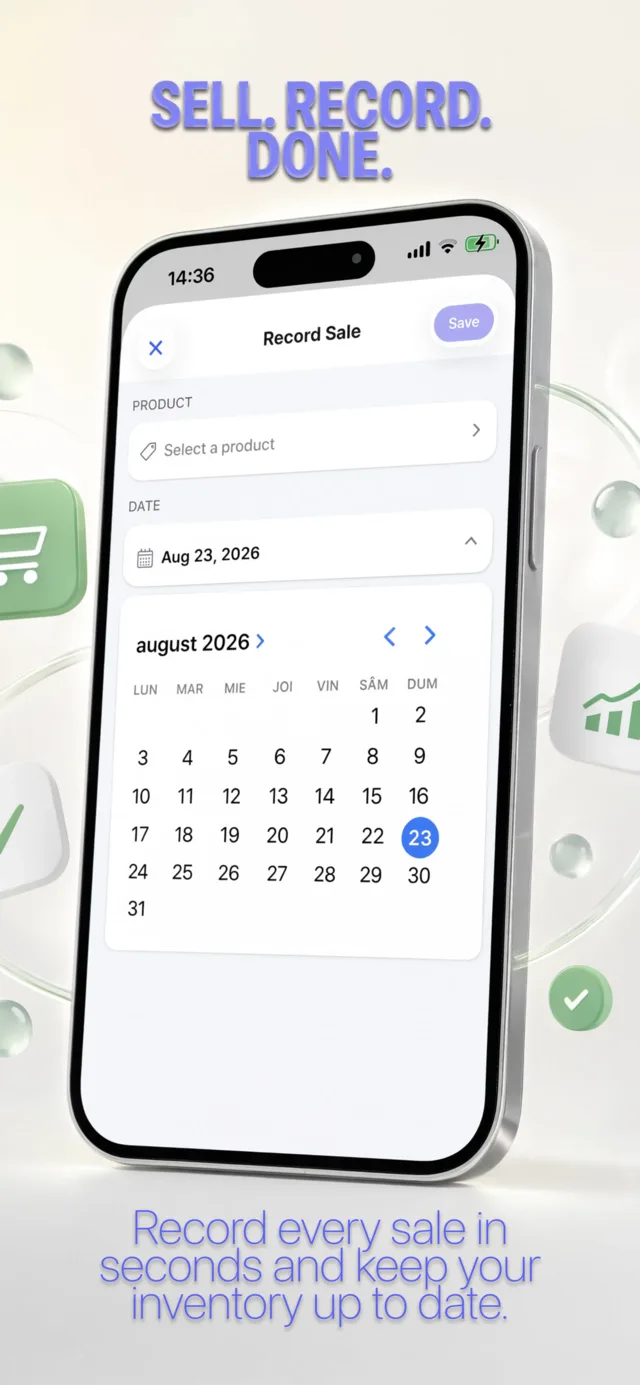
Pick a product, size, quantity and date. Stock updates automatically when a sale is saved.
Sales history
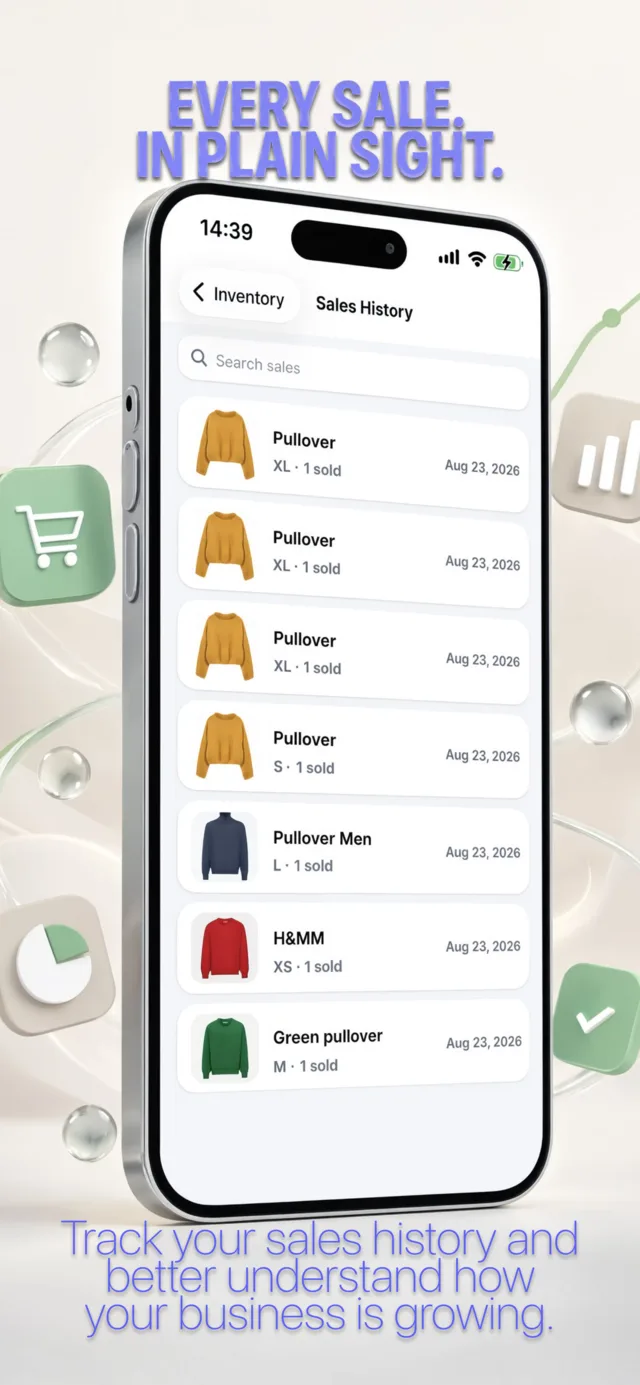
Review every recorded sale with product, size, quantity and date, and search through past sales.
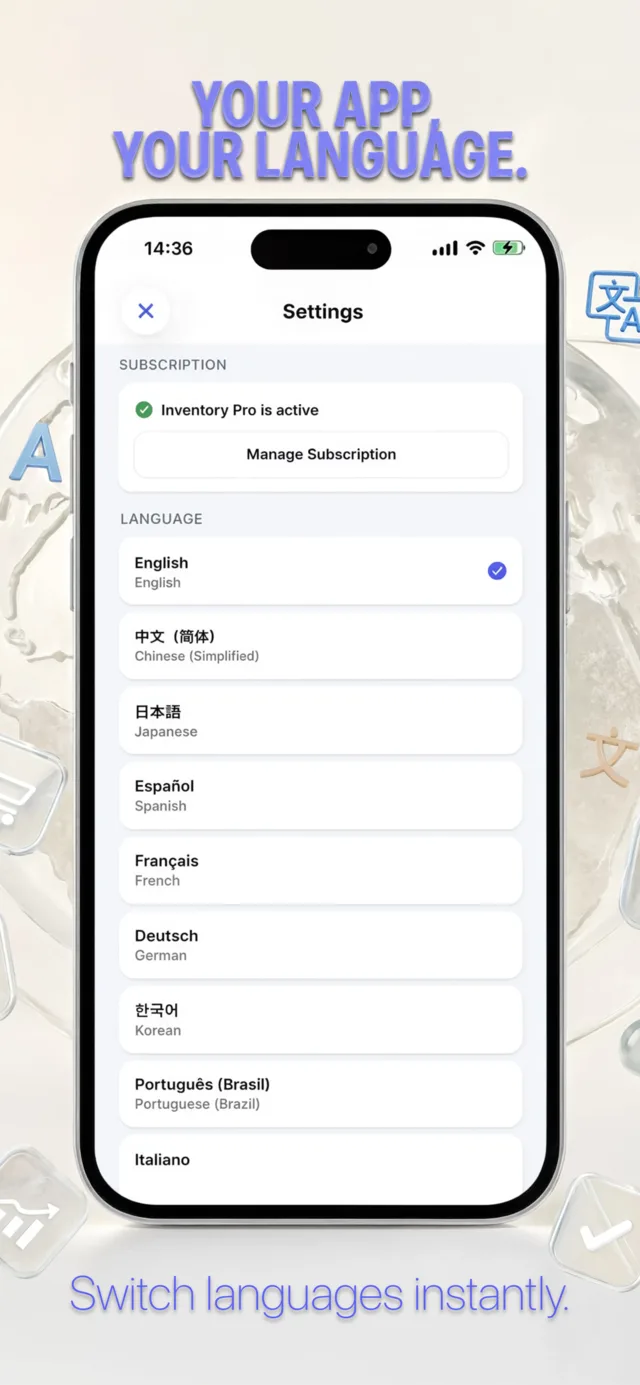
15 languages
English, Chinese, Japanese, Spanish, French, German, Korean, Portuguese (Brazil), Italian, Russian, Romanian, Arabic, Turkish, Dutch and Indonesian.
Private and offline
No account, no sign-in and no server. Everything you enter is stored locally on your device.
See it in action
A clean interface designed for quick, one-handed use on iPhone, and it scales to iPad.
How it works
From an empty app to a tracked catalog in a few minutes.
Add your products
Take or choose a photo, enter a name, price and SKU, then add sizes with their starting quantities.
Sell and record
When something sells, record it with the product, size, quantity and date. Stock goes down automatically.
Check what is low
Filter by Low Stock or Out of Stock and see exactly what needs reordering.
Free to start, Pro if you want more
The app is free to download and use, with no ads. Inventory Pro is an optional upgrade that unlocks the sales history. Subscriptions are managed through your Apple ID and can be cancelled at any time.
Read how your data is handled in the privacy policy, or learn more in the full app overview.
Get Inventory & Stock Manager
Available on the App Store for iPhone and iPad.
Download on the App Store